 Cross section window Cross section window
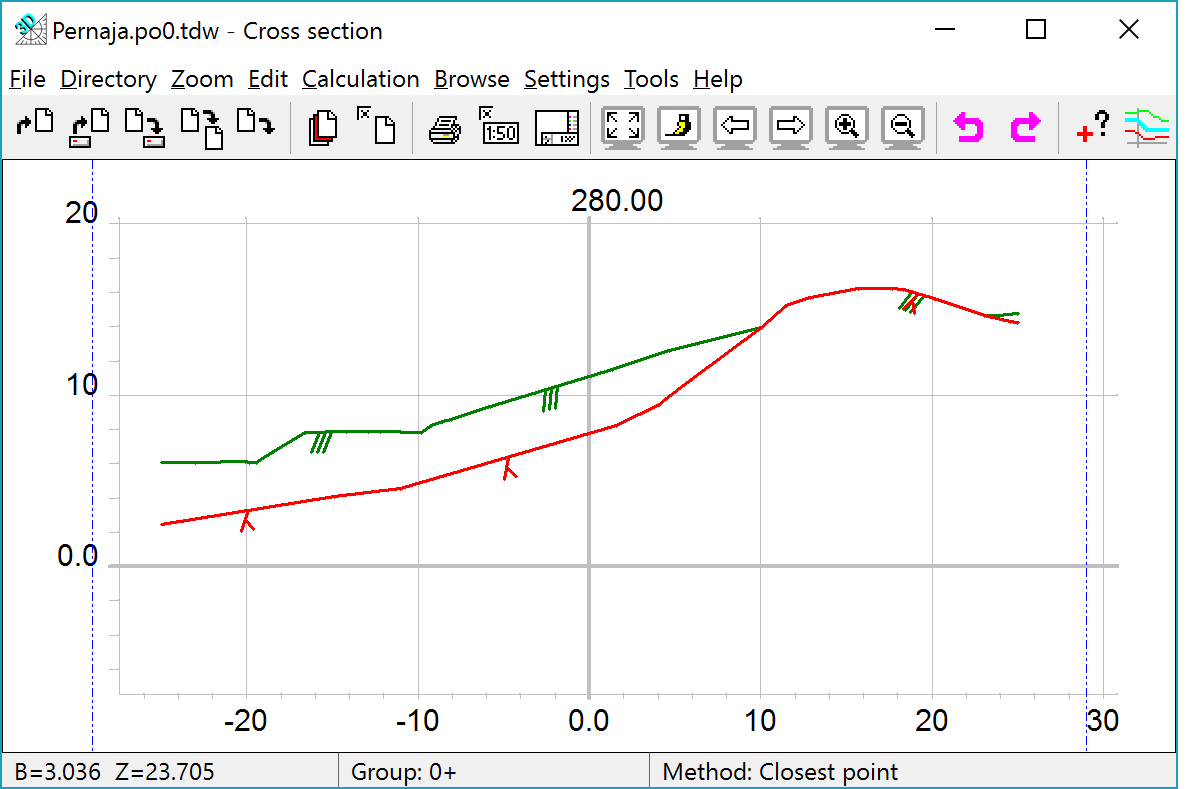
In the cross section window one or more cross section files can be displayed. You can also print them and calculate volumes.
You can calculate distances and areas in a cross section window. Results are stored in calculation result file.
XYZ-coordinates can be sent to the main window by using method Nearest point with the Alt-key. Main window functions (e.g. Add objects) receive coordinate as mouse point.
 Move to main window moves active file to the main window element list.
More/Mirrored draws cross section mirrored.
See also: